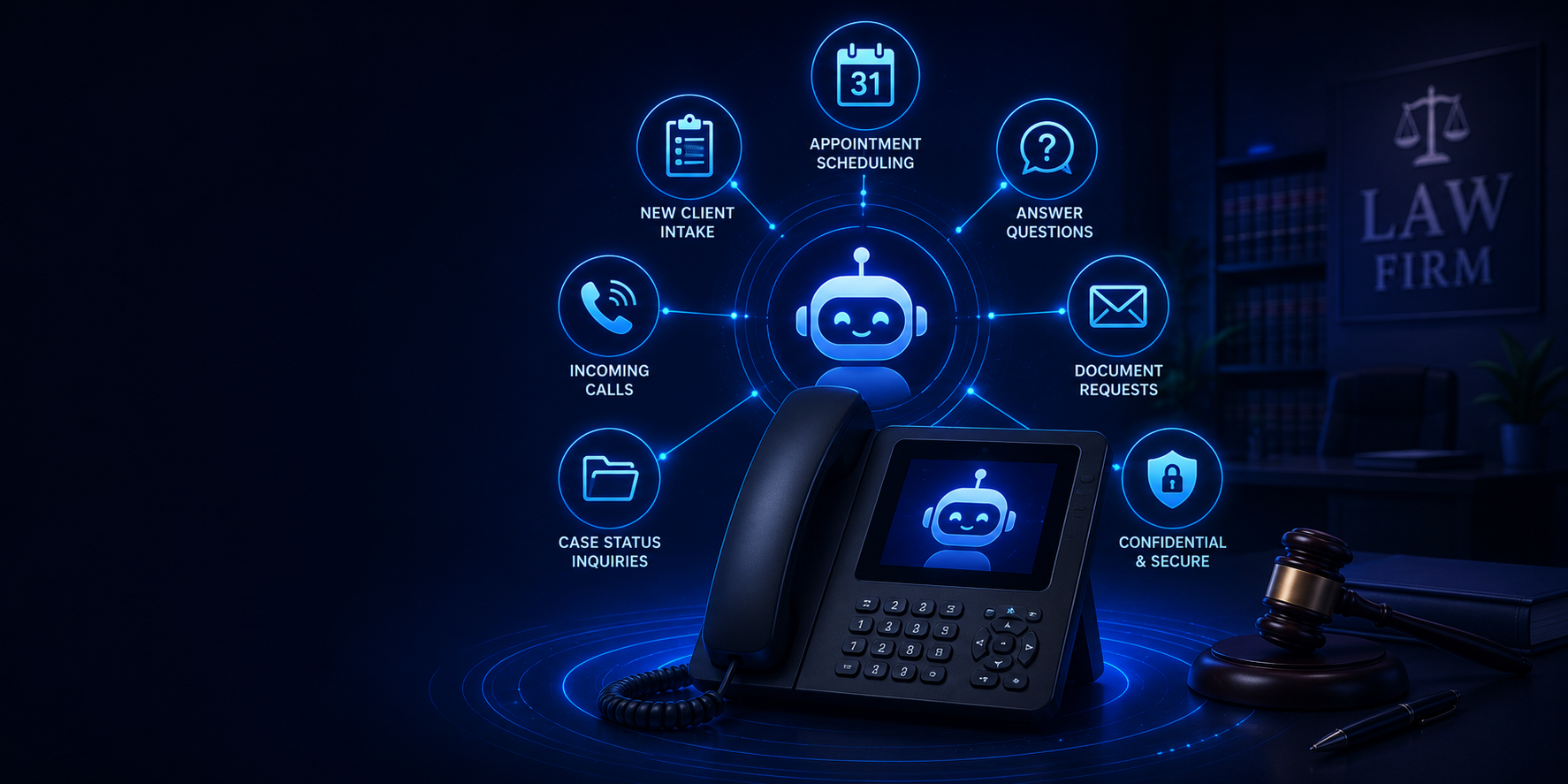
An AI receptionist for law firms answers inbound calls, collects basic intake details, handles approved administrative questions and routes callers to your team. It can support after-hours coverage and busy reception desks without giving legal advice or replacing an attorney’s judgment. Scheduling and software integrations depend on your firm’s configured workflow.
Law firms rely on trust, professionalism and responsiveness. While attorneys are in court or meeting clients, a prospective client still needs a clear next step. The aim is a useful first conversation, not just another message in a voicemail inbox.
How an AI Front Office Works for a Law Firm
An AI receptionist can be one part of your AI front office. Start with a narrow, firm-approved process:
- Identify the purpose of the call. Separate new inquiries, existing clients and administrative questions.
- Collect approved basics. Capture a name, callback number and general matter type, without inviting unnecessary sensitive details.
- Follow your routing rules. Send legal questions, urgent requests and attorney-specific calls to the appropriate person or fallback destination.
- Offer the next step. Request a callback or arrange a consultation where the calendar integration has been configured and tested.
- Keep staff in control. Your firm reviews intake information and determines conflicts, representation and legal advice.
See a law-firm intake workflow demo or discuss your firm’s call flow with Tier 1 Telecom.
Every Call Could Be a New Client
Unlike many businesses, law firms often don’t know which phone calls represent their next client.
Someone may be calling about:
- A personal injury claim
- Estate planning
- Divorce
- Criminal defense
- Business formation
- Real estate transactions
- Employment law
- General legal questions
If nobody answers...
That potential client may simply contact another firm.
An AI receptionist ensures every call is acknowledged immediately.
Attorneys Can’t Always Answer the Phone
Attorneys spend much of their day:
- Meeting with clients
- Appearing in court
- Preparing legal documents
- Negotiating settlements
- Conducting research
- Participating in depositions
Stopping every few minutes to answer incoming calls simply isn’t practical.
An AI receptionist allows attorneys to remain focused while ensuring callers still receive professional assistance.
ILLUSTRATIVE INTAKE WORKFLOW
What a Useful First Conversation Can Look Like
Fictional examples for planning, not a customer testimonial, call recording or promise of a completed integration.
New consultation request: A caller asks about estate planning. An approved flow could collect their name, callback number and general reason for calling, then offer the next step your firm permits. The assistant should not recommend a legal strategy or imply that representation has begun.
Existing client: A caller wants their attorney. Use the firm's approved transfer or message-taking process instead of making them repeat a new-client intake.
After-hours deadline: A caller mentions a hearing tomorrow. The workflow should flag the request for your designated contact and follow a tested fallback if nobody answers, without interpreting the deadline or giving legal advice.
Example staff handoff: “New estate-planning inquiry; callback requested; name and phone confirmed; consultation not yet booked.” The exact summary, destination and next action are configured and tested for your firm.
Answering Routine Questions
Many callers ask the same administrative questions every day.
For example:
- What are your office hours?
- Where are you located?
- How do I schedule a consultation?
- What documents should I bring?
- Do you offer virtual consultations?
- What practice areas do you handle?
- How do I contact someone after hours?
An AI receptionist can answer many of these routine questions using information approved by your firm.
That reduces interruptions while ensuring callers receive consistent answers.
Scheduling Consultations
Consultation scheduling is one of the most valuable capabilities for law firms.
Depending on your workflow, an AI receptionist may:
- Schedule consultations
- Confirm appointments
- Reschedule appointments
- Cancel appointments
- Send reminders
- Collect preliminary client information
Instead of leaving a voicemail, prospective clients can often schedule their first meeting immediately.
Knowing When a Person Should Take Over
Legal matters often require judgment and confidentiality.
An AI receptionist isn’t designed to provide legal advice.
Instead, it recognizes situations that should be transferred to someone at your firm.
Examples include:
- Requests for legal advice
- Existing client emergencies
- Sensitive case discussions
- Attorney-specific questions
- Complex legal matters
Rather than attempting to answer beyond its approved role, the AI follows your firm’s routing procedures.
Supporting Confidential Workflows
Confidentiality is essential in every legal practice.
An AI receptionist should be configured to support your firm’s privacy requirements and intake procedures.
During implementation, Tier 1 Telecom works with your firm to determine how the AI should collect information, route calls, and integrate with your existing workflow.
Connect Your AI Receptionist to Your Legal CRM
Your intake should reach the tools your team already uses. Tier 1 Telecom can build custom connections using APIs, webhooks or Zapier, depending on the systems involved. An API lets software exchange information; a webhook sends an event notification; Zapier connects supported apps into automated workflows.
Tell us which legal CRM or practice-management platform you use and what should happen after a call. We will map the required fields, check access and available actions, and test the complete workflow before it goes live. Vendor connection options do not mean every feature or data field is available: your plan, permissions and the capabilities on both sides determine the scope.
Clio Manage and Clio Grow
Clio Manage offers an API and a Zapier connection with contact, matter, task and calendar actions. Clio Grow has its own API for intake-related data. The standard Clio Zapier app supports Manage, not Grow, so the correct connection depends on which product your firm uses.
Lawmatics
Lawmatics documents Zapier connectivity, an open API and outbound webhooks. These provide options for a custom intake workflow. API access requires Developer Settings to be enabled; outbound webhooks notify another system about events in Lawmatics rather than automatically creating an incoming lead.
MyCase
MyCase offers Zapier integration, which a firm administrator must set up, and an Open API on its Advanced tier. We can assess which route supports your intended contact or lead workflow and what account access is needed.
Other Legal CRMs and Calendars
Not using one of these platforms? Send us its name and the workflow you want. We can evaluate its API, webhook or Zapier options, including calendar connections where supported. A sensible first project might send approved intake details to a contact record and create a staff follow-up task, rather than automate every step at once.
Before launch, we agree on duplicate handling, failed-delivery alerts and who checks exceptions. Your firm decides which information may leave the phone system, who may access it and how long it should be retained. Conflicts, case acceptance and legal advice remain with your team.
Vendor documentation checked November 18, 2026. Availability and plans can change; integration scope and any third-party charges are confirmed for your firm.
First Impressions Matter
Long before a client meets an attorney...
They experience your communication.
A prompt, professional response creates confidence.
An unanswered phone call or voicemail can create uncertainty.
An AI receptionist helps ensure every caller receives immediate attention while allowing your attorneys and staff to remain focused on practicing law.
After-Hours and Overflow Coverage for Attorneys
You do not need to start by handing every call to AI. A practical rollout can cover calls after closing time or calls your receptionist cannot answer, with a separate path for existing clients. Agree on when a call should transfer, who is available, and what happens if that person does not pick up. Test the fallback before launch.
See our guide to after-hours legal intake and on-call routing for the operational questions to settle with your team.
What Does an AI Receptionist for a Law Firm Cost?
Compare the complete monthly cost, not just the advertised starting price. Ask for the included call minutes, overage rate, setup and script changes, calendar or CRM integration charges, and ongoing support. Longer intake conversations can use more minutes than simple office-hours questions.
A useful quote starts with your expected call volume and the work you want the assistant to handle. Tier 1 Telecom can review that workflow with your firm; our AI receptionist pricing guide explains the factors to compare. Confirm the current plan and scope before choosing a service.
Keep Your Number: Plan Forwarding or Porting First
Moving your phone number is not automatically necessary. If your current provider supports the required forwarding, we can plan a setup that sends selected calls to the AI service, such as after-hours or unanswered calls. Porting may be appropriate when moving the wider phone service. The right choice depends on your existing provider, number and routing needs.
Before changing live routing, test caller ID, transfers back to staff, voicemail and the no-answer fallback. Avoid a forwarding loop where the assistant sends a caller back to a number that forwards straight to the assistant again. Your existing service stays in place until the agreed transition is ready.
Getting Started With Tier 1 Telecom
- Map the calls. Tell us your practice areas, hours, existing phone provider, CRM and which calls need a person.
- Agree on the scope. We review the intake questions, routing, integrations and costs with you before implementation.
- Approve and test. Your firm approves the wording. Test new inquiries, existing clients, urgent requests and failed transfers before routing real callers.
- Start with the right coverage. Begin with the agreed after-hours, overflow or broader call flow, then review what needs adjusting.
Explore the law-firm intake workflow demo to see the proposed approach, or ask us to map it to your firm. Use fictional details in demonstrations, not confidential case information.
What to Test Before Your Firm Goes Live
- A new caller asking for a consultation.
- An existing client requesting an attorney.
- A caller asking for legal advice or discussing a sensitive matter.
- An urgent request after hours when the first contact is unavailable.
- An unclear name or callback number that needs confirmation.
- A calendar or integration that is unavailable.
Have your firm approve the wording, information collected and escalation rules. Review recording, transcription, access and retention settings with the appropriate decision-makers; do not assume a service is suitable for confidential case details simply because it uses AI. Our law-firm call recording guide covers questions to raise.
Frequently Asked Questions
Can an AI receptionist schedule legal consultations?
Yes. Depending on your scheduling workflow, it can schedule, reschedule, and confirm consultation appointments.
Can it answer legal questions?
No. An AI receptionist should answer only approved administrative questions and route legal questions to the appropriate member of your firm.
Can it collect new client information?
Yes. It can gather contact information and preliminary intake details according to your firm’s procedures.
Can it answer after hours?
Yes. It can continue answering calls, scheduling consultations, and collecting information outside normal business hours.
Can it integrate with our calendars?
Many firms integrate AI receptionists with Microsoft 365, Google Workspace, and other scheduling platforms, depending on their existing systems.
Does it replace our receptionist?
No. It reduces repetitive administrative calls so your staff can focus on serving clients and supporting attorneys.
Professional Communication Builds Client Confidence
Clients expect law firms to be responsive.
An AI receptionist helps meet that expectation by answering immediately, collecting information consistently, and routing callers appropriately.
It doesn’t replace the experience, judgment, or legal expertise of your attorneys.
It helps ensure every prospective client receives the professional first impression your firm wants to deliver.
Ready to See How It Works?
Wondering whether an AI receptionist is right for your law firm?
We’ll show you how it can:
- Answer incoming calls
- Schedule consultations
- Collect client intake information
- Answer routine administrative questions
- Support your office staff
- Integrate with your existing workflow
Every law firm operates differently.
See an example of approved administrative intake, contact-detail capture and handoff to your team. We’ll discuss what your firm wants collected and which situations should go directly to staff.